Taming a 1,200-Line Python Function: State Management in Async Desktop Apps
When your Python backend and JavaScript frontend share state across async WebSocket calls, things fall apart fast. Here is the architecture that fixed it.
- Published
- March 2, 2026
- Author
- Hrushiekesh Kanjula Reddy
- Read time
- ~6 min
- Category
- engineering
At some point in the life of a complex desktop application, you open a file and find a function that is 1,200 lines long. Not because the original author was lazy — because the problem genuinely grew into that space over time, one edge case at a time. In the assembly hub, that function was the component rotation approval loop. It handled user interactions, state transitions, database reads, machine API calls, and WebSocket callbacks — all tangled together in a single monolithic block.
This is the story of how I untangled it, and the architectural pattern that made it manageable.
How State Fragmentation Happens
In a standard web application, state lives in a single place: the frontend. React's useState, Redux, Zustand — all of these are frontend state solutions because the browser is the single runtime.
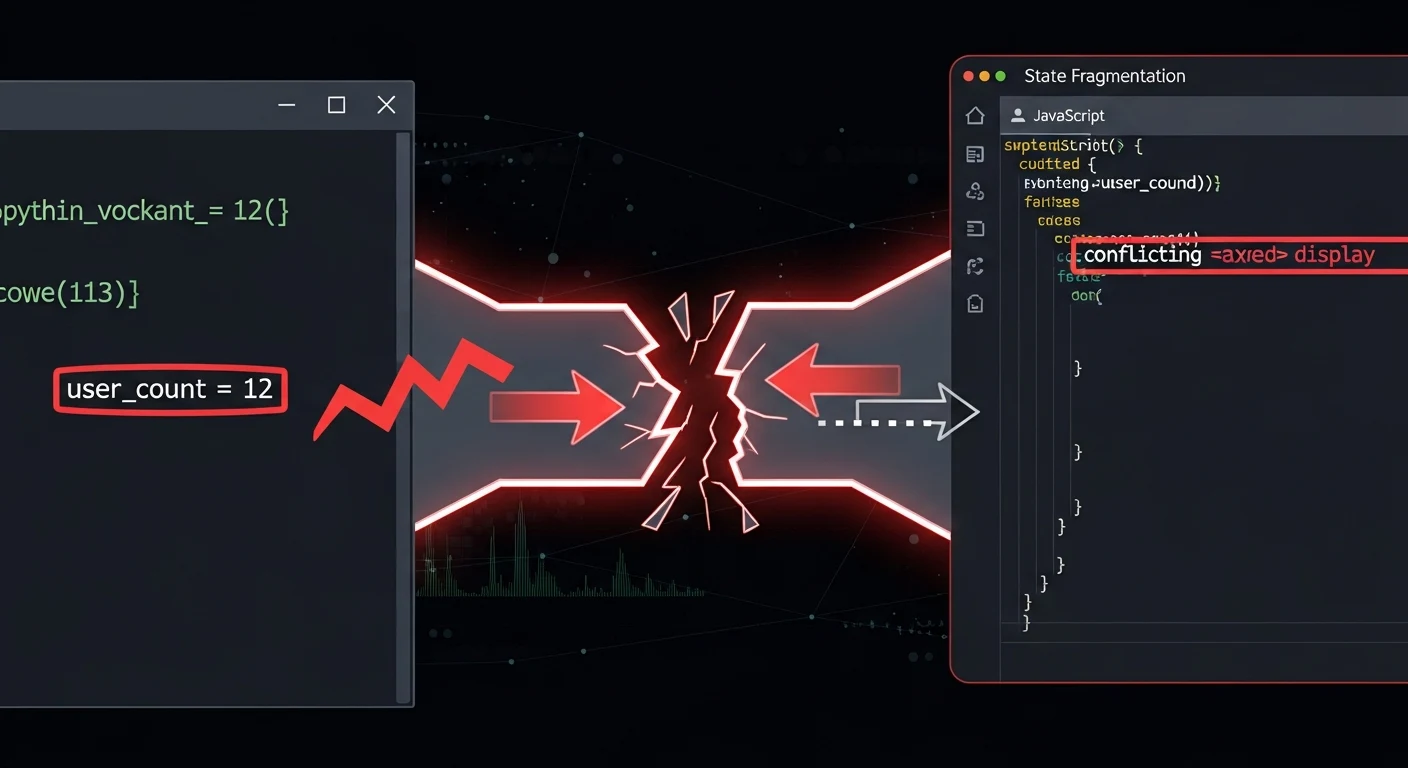
Eel applications are different. You have two runtimes: a Python process and a Chrome window communicating over a WebSocket. State can exist in Python (backend memory, database), in JavaScript (DOM, frontend variables), or — worst of all — split across both with no clear source of truth.
The rotation approval workflow had exactly this problem. A Python variable tracked which component was "currently selected." A JavaScript variable tracked the same thing for rendering purposes. When the user navigated forward, the Python variable updated. When they pressed undo, the JavaScript variable updated. After three interactions, they were out of sync. The UI showed component #47 highlighted; the backend thought we were on component #52. The resulting bugs were the kind that only appear under specific click sequences at 3pm on a Thursday.
The Fix: One Source of Truth in Python
The solution is conceptually simple and practically transformative: all state lives in Python. The JavaScript frontend is a pure rendering layer — it receives state snapshots and renders them, but it never owns state.
Python's dataclasses module makes this clean:
from dataclasses import dataclass, field
from typing import Optional, List

@dataclass
class GUIState:
    components: List[dict] = field(default_factory=list)
    current_index: int = 0
    is_approved: dict = field(default_factory=dict)
    active_machine: Optional[str] = None

    @property
    def current_component(self) -> Optional[dict]:
        if not self.components:
            return None
        return self.components[self.current_index]
One object. Every piece of UI state declared explicitly with types. No nonlocal variables scattered through nested functions. No global mutable dicts. When the user navigates forward, state.current_index += 1 — one line, traceable, testable.
The Push Pattern: Python → JavaScript
With a single state object in Python, the synchronization model becomes a push: whenever state changes in Python, push the relevant slice to JavaScript for rendering.
@eel.expose
def approve_current_component():
    state.is_approved[state.current_component['ref']] = True
    state.current_index += 1
    # Push updated state to the frontend
    eel.update_ui_state({
        'component': state.current_component,
        'progress': f"{state.current_index}/{len(state.components)}",
        'approved_count': sum(state.is_approved.values())
    })()
The JavaScript side becomes a dumb renderer:
eel.expose(update_ui_state);
function update_ui_state(stateSnapshot) {
    renderComponent(stateSnapshot.component);
    updateProgressBar(stateSnapshot.progress);
    updateApprovedCounter(stateSnapshot.approved_count);
}
No logic in the frontend. No state in the frontend. When something goes wrong, you debug Python — one language, one runtime, one place to look.

Decomposing the 1,200-Line Function
Once state was centralized, the monolith became decomposable. A 1,200-line function is terrifying precisely because you can't see its boundaries — you don't know what it touches or what touches it. With an explicit GUIState object, every function's dependencies become visible. Functions that only need state.current_component can be extracted cleanly. Functions that modify state.is_approved are easy to find and audit.
The rotation loop decomposed into eight focused functions averaging 40 lines each. Each has a single responsibility, a clear input/output contract, and a testable surface area. The test suite went from "impossible" to "straightforward" — you initialize a GUIState with test data and verify the output.
Handling Async Callbacks
The remaining complexity was asynchronous callbacks: Eel's WebSocket layer is async, but the Python functions it calls run in the main thread. When a background telemetry scheduler modifies state while the UI is mid-interaction, you need a threading strategy.
The pattern I settled on uses a threading lock on the state object:
import threading

state = GUIState()
state_lock = threading.Lock()

def safe_update_state(fn):
    """Decorator that wraps state mutations in a lock."""
    def wrapper(*args, **kwargs):
        with state_lock:
            result = fn(*args, **kwargs)
            eel.update_ui_state(state.to_snapshot())()
            return result
    return wrapper
Background threads acquire the lock before modifying state, and the lock ensures that a UI callback can't read a partially-modified state mid-update. This pattern makes the concurrency model explicit — any function that touches state is decorated, any function without the decorator is read-only.
What This Architecture Enables
The payoff shows up in features that would have been nearly impossible in the monolith. Undo/redo? A state history stack — push to it on every mutation, pop on undo. Persist session across crashes? Serialize GUIState to JSON and reload it on startup. Multi-step workflows? Each step is a state transition with a clear trigger and a clear outcome.
The rotation approval workflow went from "don't touch it" to "we shipped three new features in the next sprint." That's the real metric for an architecture improvement — not code quality scores, but whether the team can move confidently again.
If you're building a desktop application with a Python backend and web frontend, the state architecture decision comes before every other decision. Get it wrong and complexity compounds. Get it right and the rest of the system has room to breathe.