Why I Chose Eel Over Electron for a Factory-Floor Desktop App
PyQt was too limiting, Electron was too bloated. Eel let me build a glassmorphism dashboard on constrained edge hardware — and I almost feel bad about how well it worked.
- Published
- February 23, 2026
- Author
- Hrushiekesh Kanjula Reddy
- Read time
- ~6 min
- Category
- engineering
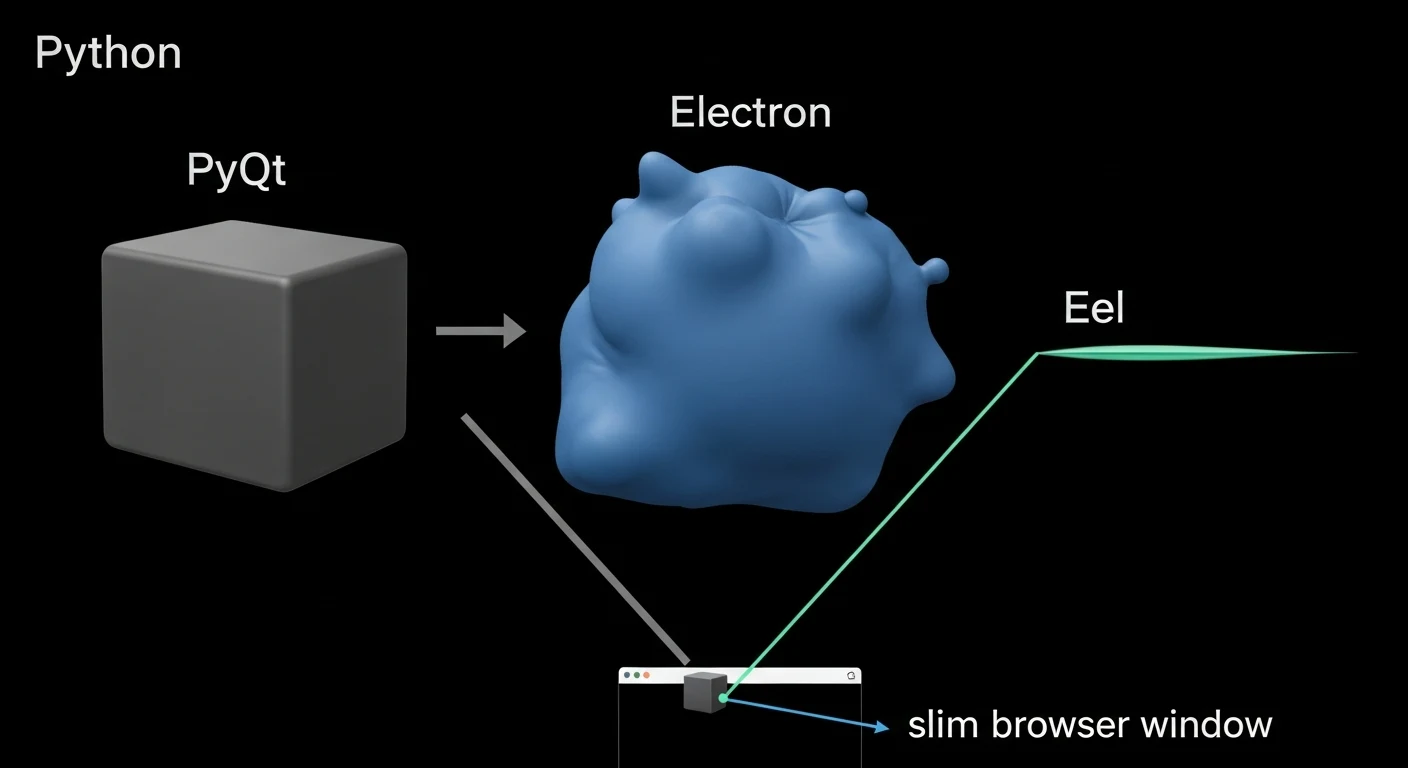
Every developer building a desktop application eventually faces the same fork in the road: native GUI or web-based? The native path feels safer — OS-native widgets, tight hardware integration, predictable performance. The web path feels more expressive — CSS animations, flexbox layouts, the entire modern frontend ecosystem at your fingertips. In a resource-constrained factory environment, that choice carries real consequences either way.
I evaluated three frameworks for the assembly hub's presentation layer — PyQt, Electron, and Eel — and the decision process was more instructive than the conclusion. Here's what I learned.
PyQt: Capable but Imprisoned by Aesthetics
PyQt is genuinely powerful. Qt's widget toolkit covers virtually every GUI pattern you could need: tables, tree views, charts, dialogs, dockable panels. The Python bindings are mature and the documentation is comprehensive. For an application that needs to feel like a traditional desktop tool — think VSCode or DaVinci Resolve — PyQt is the right choice.
The problem is what "looks like a traditional desktop tool" actually means on Windows in 2026. QStyleSheet, Qt's CSS-adjacent styling system, gives you a reasonable amount of control over colors and fonts. But it doesn't give you CSS flexbox. It doesn't give you CSS grid. It doesn't give you backdrop-filter: blur() or border-radius that actually responds to viewport resizing. Getting a dark glassmorphism card layout in PyQt requires fighting the framework at every step.
For a production-floor dashboard — where engineers spend 8 hours a day looking at component placement data, defect heatmaps, and machine telemetry — visual clarity and modern layout patterns aren't vanity. They're usability. And PyQt's styling system imposes a ceiling that I wasn't willing to work under.
Electron: The Right Idea, Wrong Weight Class
Electron solves the PyQt aesthetic problem entirely. By bundling Chromium and Node.js, it gives you the full web stack as a desktop runtime. You can build any UI you can build in a browser — which means every modern CSS pattern, every JavaScript animation library, every React component, all of it.
The cost is size and memory. A minimal Electron app ships with a ~150MB bundle. On a cloud-deployed application or a developer's workstation, that's an acceptable trade-off. On factory-floor edge hardware — dedicated Intel NUC machines with limited storage, 8GB RAM shared between the OS, the MES application, and background telemetry schedulers — it's genuinely problematic.
The deeper issue is that Electron bundles Chromium regardless of whether the host machine already has Chrome installed. A factory terminal running Windows 10 almost certainly has Chrome. Electron ignores that fact and ships its own. You're paying the full binary cost for a browser you already have.
Eel: The Architectural Bridge
Eel's approach is conceptually elegant: instead of bundling a browser, it spins up a local Python HTTP server and launches the host machine's existing Chrome or Edge installation in app mode — a chromeless window with no address bar, no tabs, just the web content. The "desktop application" is a Python process and a Chrome window collaborating over a localhost WebSocket.
This means your UI layer is pure HTML, CSS, and JavaScript. Full flexbox, full CSS Grid, full backdrop-filter, full Canvas API. Glassmorphism cards are three lines of CSS. Animated data visualizations are D3.js or Chart.js, identical to how you'd build them for the web. The entire modern frontend ecosystem is available, because the renderer is an actual browser.
The Python side exposes functions to the frontend via a simple decorator:
@eel.expose
def get_machine_telemetry(machine_id: str) -> dict:
    return db.query_latest_telemetry(machine_id)
And calls them from JavaScript:
const telemetry = await eel.get_machine_telemetry("SMT-01")();That double-parenthesis call is idiosyncratic but you stop noticing it after an hour. The underlying mechanism is a WebSocket connection that serializes Python function calls and return values as JSON. For our use case — UI components requesting data from the SQLite backend — it's exactly the right abstraction.
The Resource Footprint Comparison
On an Intel NUC i5 with 8GB RAM running Windows 10:
Electron (minimal app): ~280MB RAM on launch, ~200MB binary, 8-10 second cold start.
PyQt (equivalent functionality): ~85MB RAM, ~45MB binary, 2-3 second cold start. Excellent footprint, wrong aesthetics.
Eel + Chrome app mode: ~180MB RAM (Chrome window), ~25MB Python process, 3-4 second cold start. Chrome's memory overhead is real, but it's shared with the OS-level Chrome instance that engineers already use. No redundant Chromium copy.
The practical outcome: Eel applications run comfortably on the factory hardware alongside the telemetry scheduler and database processes, without the memory pressure that Electron would introduce.
What Eel Doesn't Give You
Eel isn't Electron. There's no built-in packaging solution — you can't produce a single .exe with PyInstaller that bundles everything cleanly without extra configuration work. Auto-updates require external tooling. File system access from the frontend goes through Python functions, not Node.js fs calls.
For a factory-floor application managed by an engineering team, these limitations are manageable. The MES is deployed by IT, not end-users. Auto-updates happen during maintenance windows, not silently in the background. The constraint of routing all file I/O through Python is actually a feature — it centralizes access control and logging.
There's also a subtler constraint: Eel is not designed for applications that need to work offline from Chrome entirely. If your deployment environment genuinely can't have Chrome installed, Eel won't work. In our environment, Chrome is on every machine — but it's worth stating the dependency explicitly.
The Framework Decision Framework
The question isn't "which GUI framework is best" — it's "what does this deployment context actually need?" For the assembly hub:
- Constrained edge hardware → rules out Electron's memory footprint
- Modern, dense data visualization → rules out PyQt's styling ceiling
- Existing Chrome installation on all target machines → makes Eel's dependency a non-issue
- Python backend with complex business logic → Eel's Python-first model is natural
The right tool is always context-dependent. Eel is not the right tool for every desktop application. It's the right tool for this one.
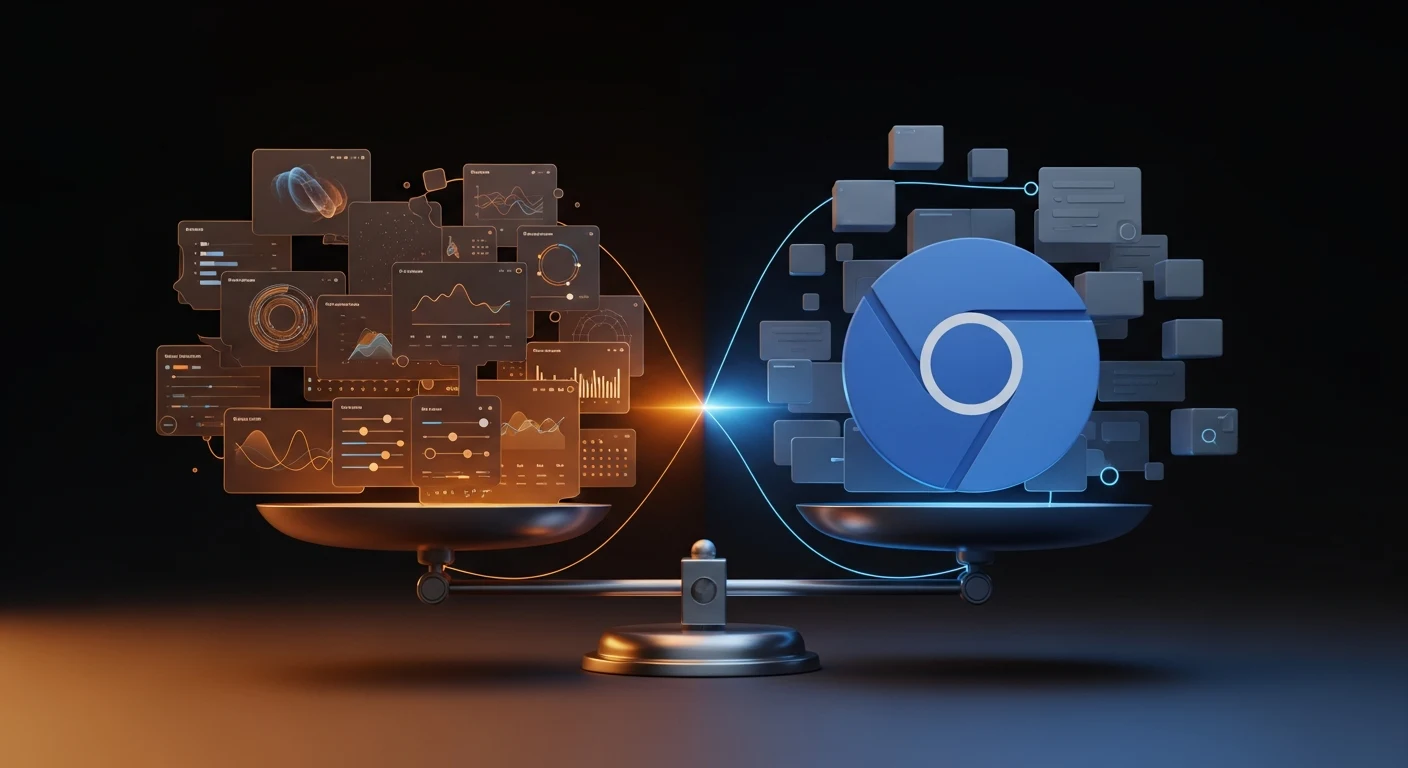
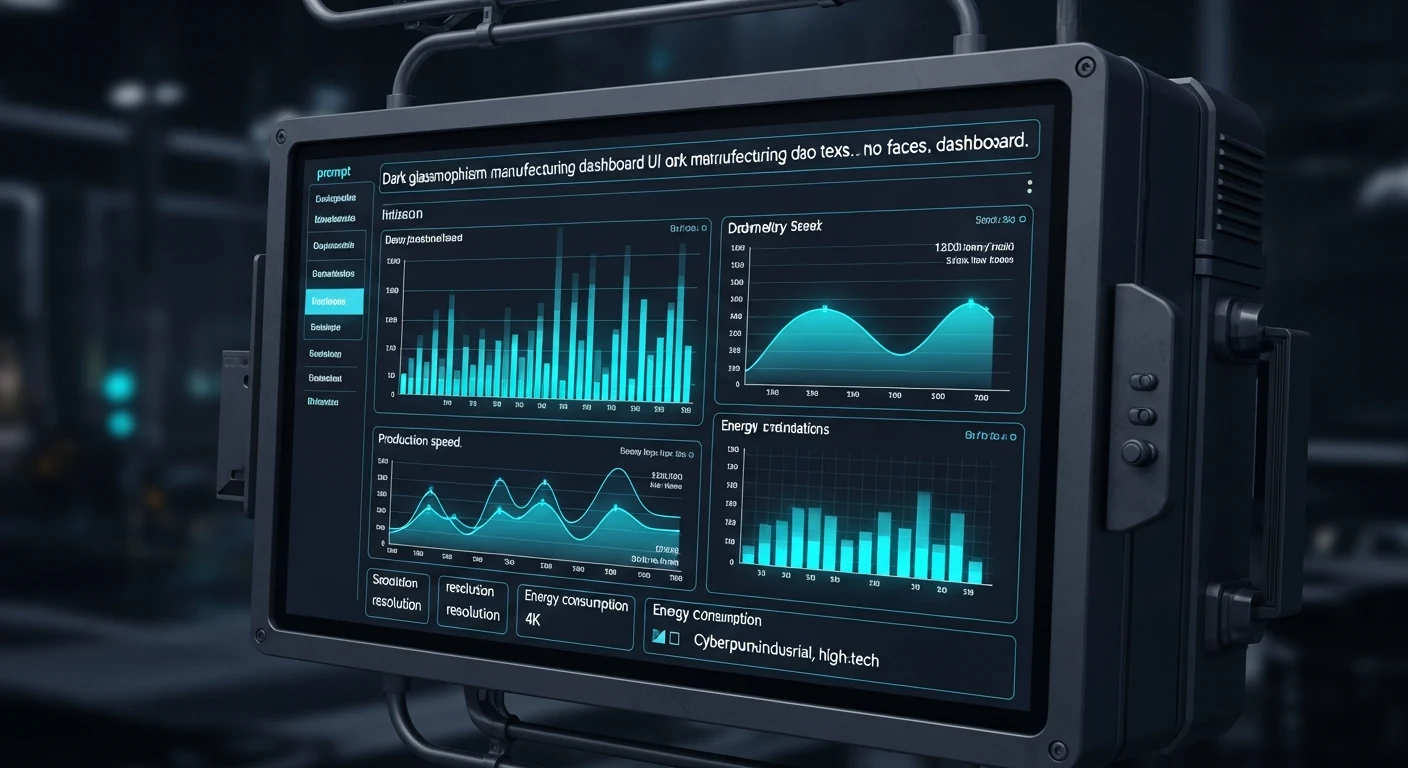
The assembly hub's dashboard runs in Eel — dark theme, glassmorphism component cards, real-time telemetry charts, all of it rendering in a Chrome app window while the Python backend manages SQLite queries and machine polling. If you're building something similar, the framework decision starts with your hardware constraints and the visual fidelity your users need. Start there, and the right answer usually becomes clear.