
Parsing the Unparseable: Adaptive BOM Ingestion for Customer Spreadsheets
Customers send spreadsheets that look nothing alike. Hardcoded column indices fail on day two. Here is the four-step heuristic pipeline that handles anything.
- Published
- March 16, 2026
- Author
- Hrushiekesh Kanjula Reddy
- Read time
- ~6 min
- Category
- engineering
The first BOM parser I wrote assumed data started on row 1, column A. It worked for exactly one customer. The second customer's spreadsheet had a logo in rows 1–4, headers in row 5, and data from row 6. The third customer merged cells. The fourth used a different header name for every column. By the fifth customer, I had a choice: maintain five separate parsers, or build one adaptive engine that could handle all of them.
The adaptive engine is harder to build and infinitely more maintainable. Here is how it works.
Why Hardcoded Parsers Fail
A BOM (Bill of Materials) spreadsheet communicates the same information — reference designator, quantity, part number, manufacturer, description — but there is no enforced standard for how that information is laid out. Customers use their own ERP templates. Engineers export from different CAD tools. Procurement teams add custom columns. The result is a family of files that are semantically identical but structurally diverse.
Hardcoded parsers fail because they encode assumptions that are only true for one customer. df.iloc[3:, 2] assumes data starts at row 3, column 2. The moment a customer adds a revision note at the top or exports from a different tool, the parser silently misreads the file — often without raising an exception, just producing garbage output.
The cost of silent misreads in manufacturing is high. A misidentified component reference leads to a misplaced part on a PCB, which leads to a field return. The parser needs to either get it right or fail loudly — never silently wrong.
Step 1: Density Auto-Detection
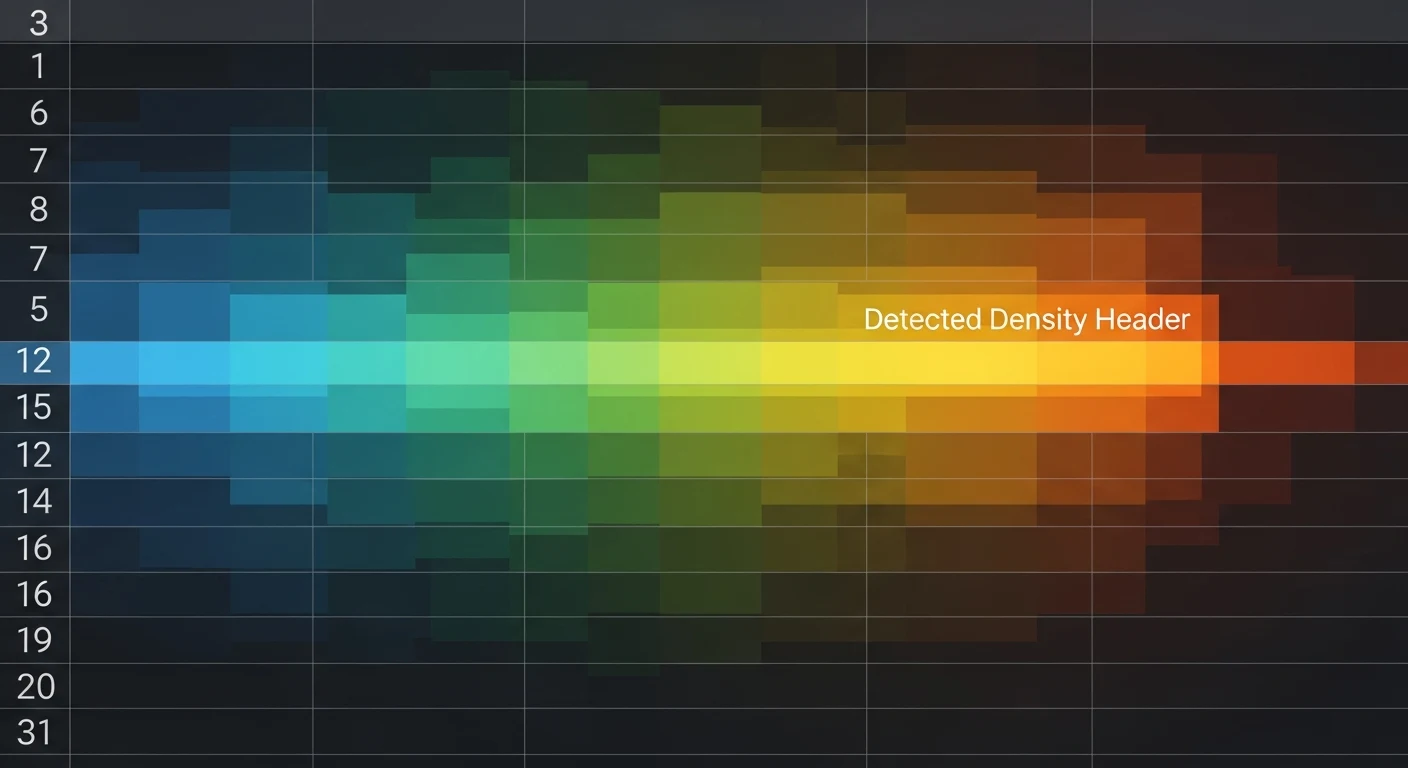
Instead of assuming data starts at a fixed row, the density auto-detector reads the first 30 rows and scores each one by the density of BOM-relevant keywords it contains. Keywords are drawn from a curated list: ["qty", "quantity", "ref", "designator", "part", "number", "description", "manufacturer", "value", "package"].
def detect_header_row(df_raw: pd.DataFrame) -> int:
    keyword_set = {"qty", "quantity", "ref", "designator",
                   "part", "number", "description", "value"}
    scores = []
    for i, row in df_raw.head(30).iterrows():
        row_text = " ".join(str(v).lower() for v in row if pd.notna(v))
        score = sum(kw in row_text for kw in keyword_set)
        scores.append((score, i))
    return max(scores, key=lambda x: x[0])[1]
The row with the highest keyword density is the header row. This correctly handles logos, revision tables, title blocks, and any other preamble that customers embed above their data.
Step 2: Weighted Column Scoring
Once the header row is identified, each column needs to be mapped to an internal schema field. The header name is a strong signal — a column called "Qty" is almost certainly the quantity field — but it's not always available (some exports use numeric column identifiers) and not always reliable (some customers use non-standard names).
The weighted column scorer combines two signals: header name similarity (fuzzy-matched against a dictionary of known names for each field) and data pattern matching (a column of strings like "C101", "R47", "U3" is almost certainly a reference designator column regardless of its header name).
Each column gets a confidence score for each possible schema field. Assignments are made greedily from highest confidence to lowest, preventing the same field from being assigned twice. Columns that score below a confidence threshold are flagged as unknown and excluded from the import.
Step 3: Array Dimensionality Handling
This one bit me hard in production. When reading Excel files with xlwings, cells that contain a single value return a scalar in Python. Cells in a range return a list. A range with one row returns a 1D list. A range with multiple rows returns a 2D list of lists.
If your code assumes 2D and receives 1D, you get an index error. If your code assumes 1D and receives 2D, you iterate over inner lists as if they were values. The fix is a normalization wrapper that coerces any cell range output to a consistent 2D structure before processing:
def normalize_xlwings_output(raw) -> list[list]:
    if not isinstance(raw, (list, tuple)):
        return [[raw]]
    if raw and not isinstance(raw[0], (list, tuple)):
        return [[v] for v in raw]
    return [list(row) for row in raw]
One function call at the ingestion boundary eliminates an entire class of runtime errors.
Step 4: Component Deduplication
Customer BOMs frequently contain duplicates — the same reference designator listed twice, or the same part number across multiple line items that should be consolidated. The final ingestion step runs a deduplication pass that:
- Groups rows by reference designator
- For groups with conflicting part numbers, flags the conflict for human review
- For groups with matching part numbers, merges the quantities
- Assigns a unique internal BOM line ID to each resolved entry
The deduplication pass produces a clean, unique-keyed dataset ready for the normalization pipeline described in the previous post. The two pipelines are intentionally separate — ingestion handles structure, normalization handles content.
Confidence Scores and the Rejection Queue
Every BOM import produces a confidence report: per-column mapping confidence, header detection confidence, and an overall import confidence score. Imports above 90% confidence are auto-approved and passed to normalization. Imports between 70–90% are flagged for engineer review with the specific low-confidence decisions highlighted. Imports below 70% are rejected with a diagnostic report explaining what the system couldn't figure out.
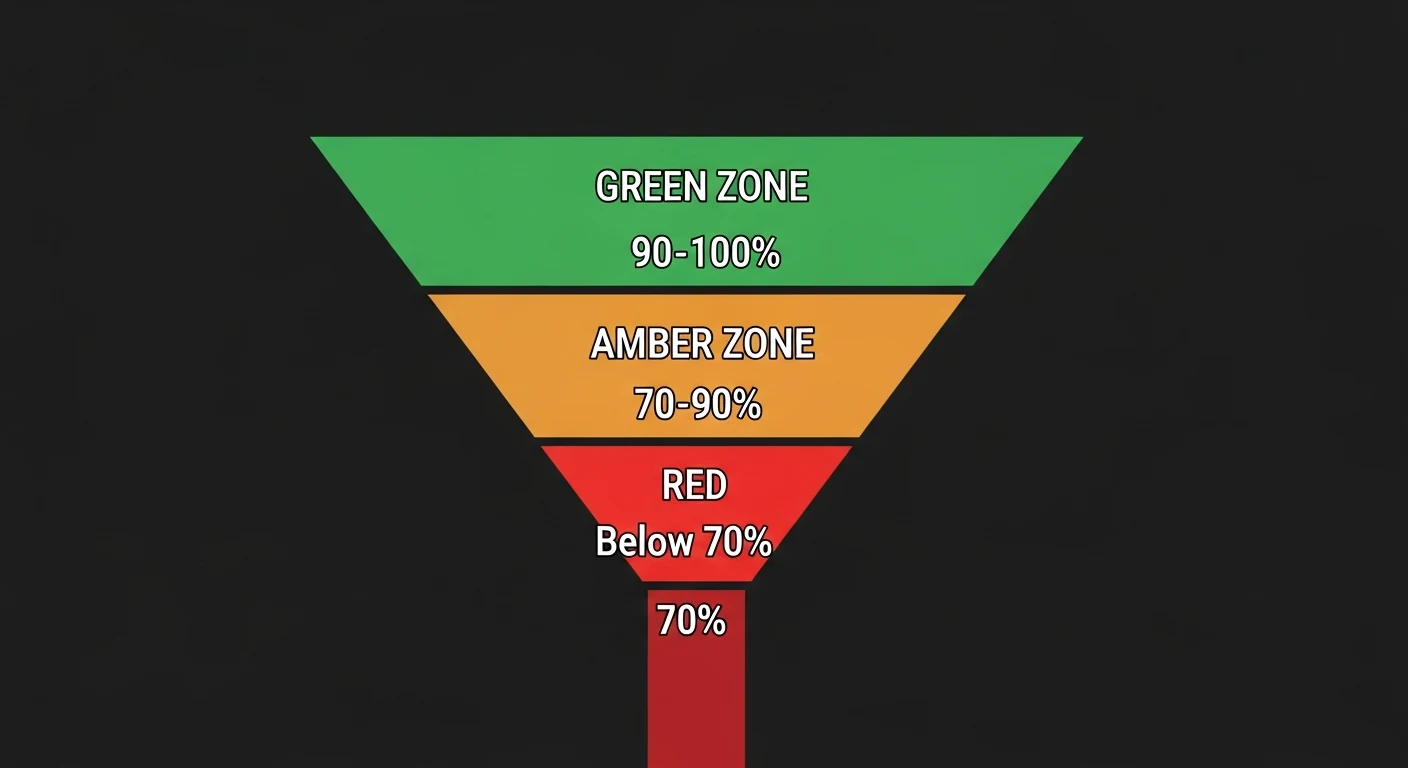
This tiered approach means engineers only see files that actually need human judgment — the system handles the routine cases automatically and escalates the genuinely ambiguous ones. In practice, approximately 80% of BOM imports auto-approve on first pass. The 20% that need review are almost always legacy files from customers who haven't updated their ERP export templates in a decade.
The adaptive ingestion engine is one of the highest-leverage investments in the assembly hub. It's invisible when it works — which is most of the time — and saves hours of manual reformatting labor on every exception.